 Bloodstained samuraiExample 01
flux-kontext-max
Flux Kontext Max API by Black Forest Labs on TTAPI supports image editing. Run in-context edits from a prompt and reference image through the official Flux channel.
InputPrompttext
Models8available
FlowAsyncresult URL
Price5 quota/ image
Bloodstained samuraiExample 01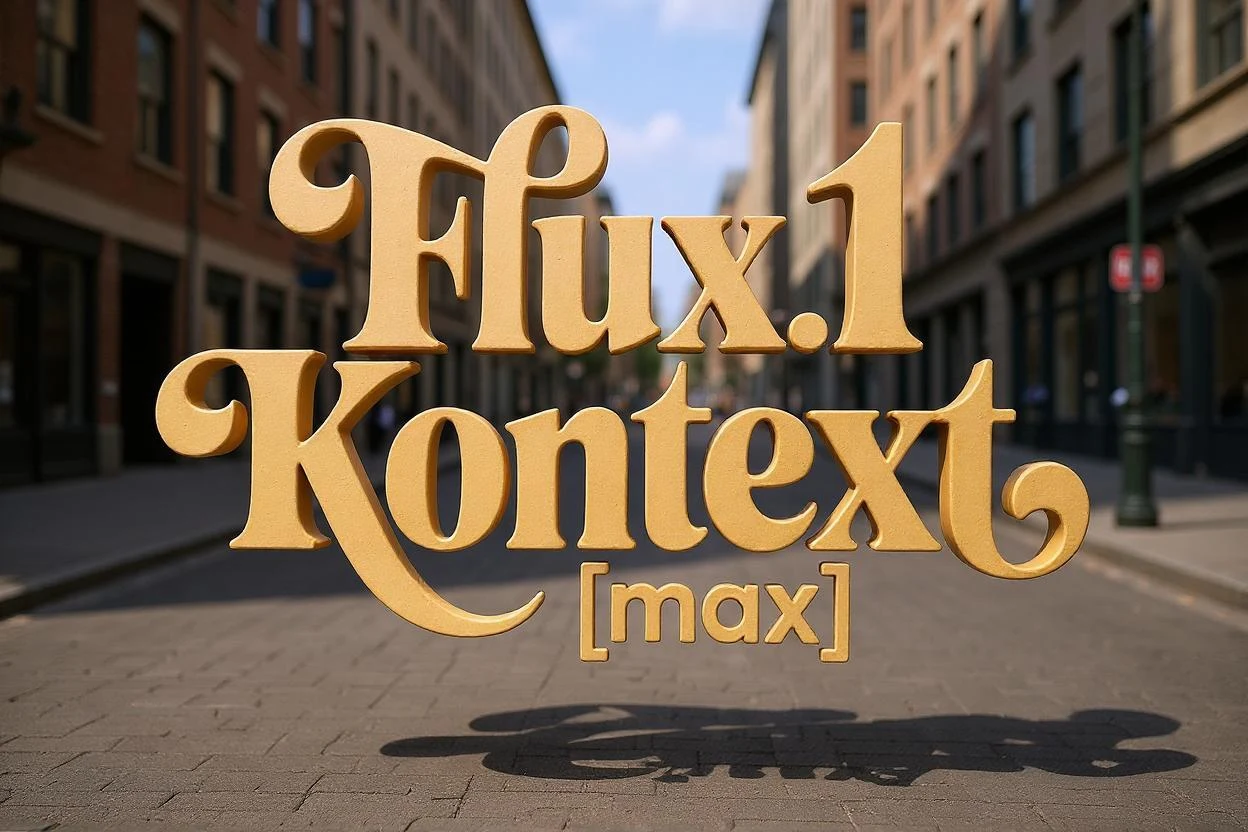 Floating 3D lettersExample 02
 STAR DUNE CINEMAExample 03
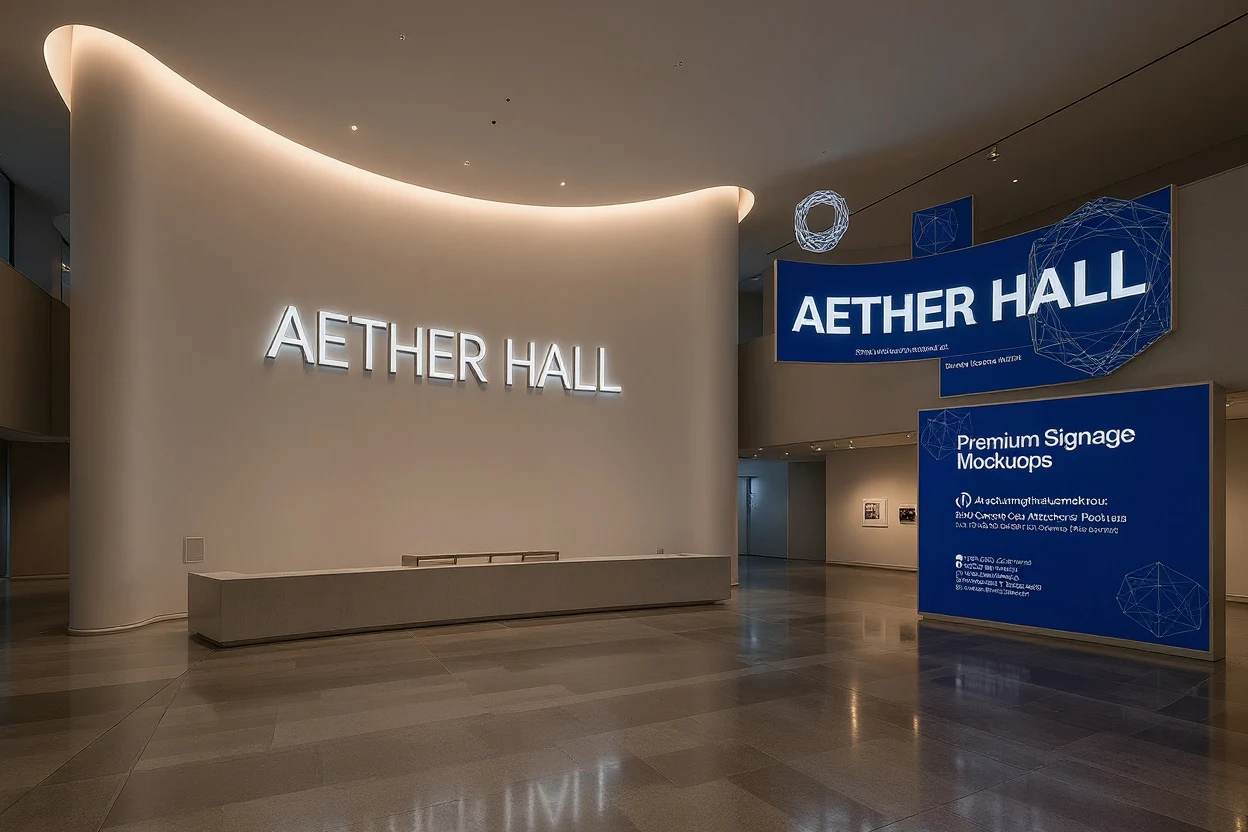 AETHER HALL museumExample 04
Examples
Prompt to image, in context
Make the letters 3D, floating in space on a city street
Change the jacket and t-shirt to be viking warrior clothing
In the text "Choose joy", change 'joy' to 'Max', so it says "Choose Max"
Convert to a 90s cartoon
A lone warrior in bloodstained samurai armor stands before a pagoda engulfed in flames, cinematic dark fantasy realism
Put a donut next to the flour.
Using this style, a bunny, a dog and a cat are having a tea party seated around a small white table
Reimagine the reference image as a meticulously restored mid-century desert cinema at blue hour, viewed from the front in a wide cinematic composition. Keep the building layout and perspective from the reference, but transform the scene into a polished contemporary editorial photograph. The marquee displays sharp, perfectly legible premium typography reading: STAR DUNE CINEMA and beneath it TONIGHT: SILENT COMET. Warm incandescent bulbs glow around the sign, casting elegant highlights across smooth stucco and brushed metal trim. Add a few parked vintage-inspired cars, drifting sand ribbons across the asphalt, tall dry grasses at the edges, glowing ticket window, subtle neon accents in amber and turquoise, distant mesas silhouetted against a dramatic violet-to-copper sky. Highly detailed textures, realistic reflections, clean composition, strong local edits, precise signage, commercial-grade finish.
Transform the references into a high-end futuristic museum entrance interior, preserving the architectural layout from the first image while applying the visual identity cues from the second. Feature a sweeping feature wall with large, elegant typography reading AETHER HALL, directional signage, inset illuminated lettering, refined cobalt and ivory graphic bands, brushed aluminum accents, polished concrete, subtle reflections, sparse sculptural seating, and a premium cultural-institution aesthetic. Sharp text rendering, believable scale, clean composition, editorial architectural photography style, quiet sophisticated mood, highly detailed surfaces, no people.
Capabilities
What you can build with flux-kontext-max
Prompt driven generation
Submit a concise prompt and get production-ready image output through one TTAPI job.
Core controls only
Keep integration simple with prompt, model, output settings, and callback handling.
Async result flow
Use polling or webhook callbacks so long-running generations do not block your UI.
Ready for product UI
Return Flux.2 Pro results that can be displayed, stored, or passed into downstream workflows.
Pricing
Per-action, in quota
Usage is metered in quota by model, action, and output settings.
API request
Headers and submit parameters
Use the endpoint below with your TTAPI key and the request fields shown.
/bfl/v1/flux-kontext-maxSubmit a flux-kontext-max image task.
Official reference/flux/fetchRetrieve the generated image task result.
Official referenceHeaders
TT-API-KEYstringrequiredYour TTAPI API key.
Content-TypestringrequiredUse application/json.
Body
promptstringrequiredText description of the target image.
input_imagestringoptionalReference image URL or base64 value.
input_image_2stringoptionalSecond reference image for supported Flux.2 models.
input_image_3stringoptionalThird reference image for supported Flux.2 models.
input_image_4stringoptionalFourth reference image for supported Flux.2 models.
widthstringoptionalRequested output width.
heightstringoptionalRequested output height.
seedstringoptionalSeed for reproducible output.
output_formatenumoptionaljpeg or png, subject to model support.
safety_tolerancestringoptionalSupported safety tolerance value.
webhook_urlstringoptionalCallback URL for asynchronous completion.
Integrate
From key to first result
Copy the resolved endpoint, authentication headers, and request body for this model.
curl --request POST \
  --url https://api.ttapi.io/bfl/v1/flux-kontext-max \
  --header 'TT-API-KEY: $TTAPI_KEY' \
  --header 'Content-Type: application/json' \
  --data '{"prompt":"editorial portrait in soft window light","output_format":"jpeg","webhook_url":"https://example.com/webhooks/flux"}'
Related