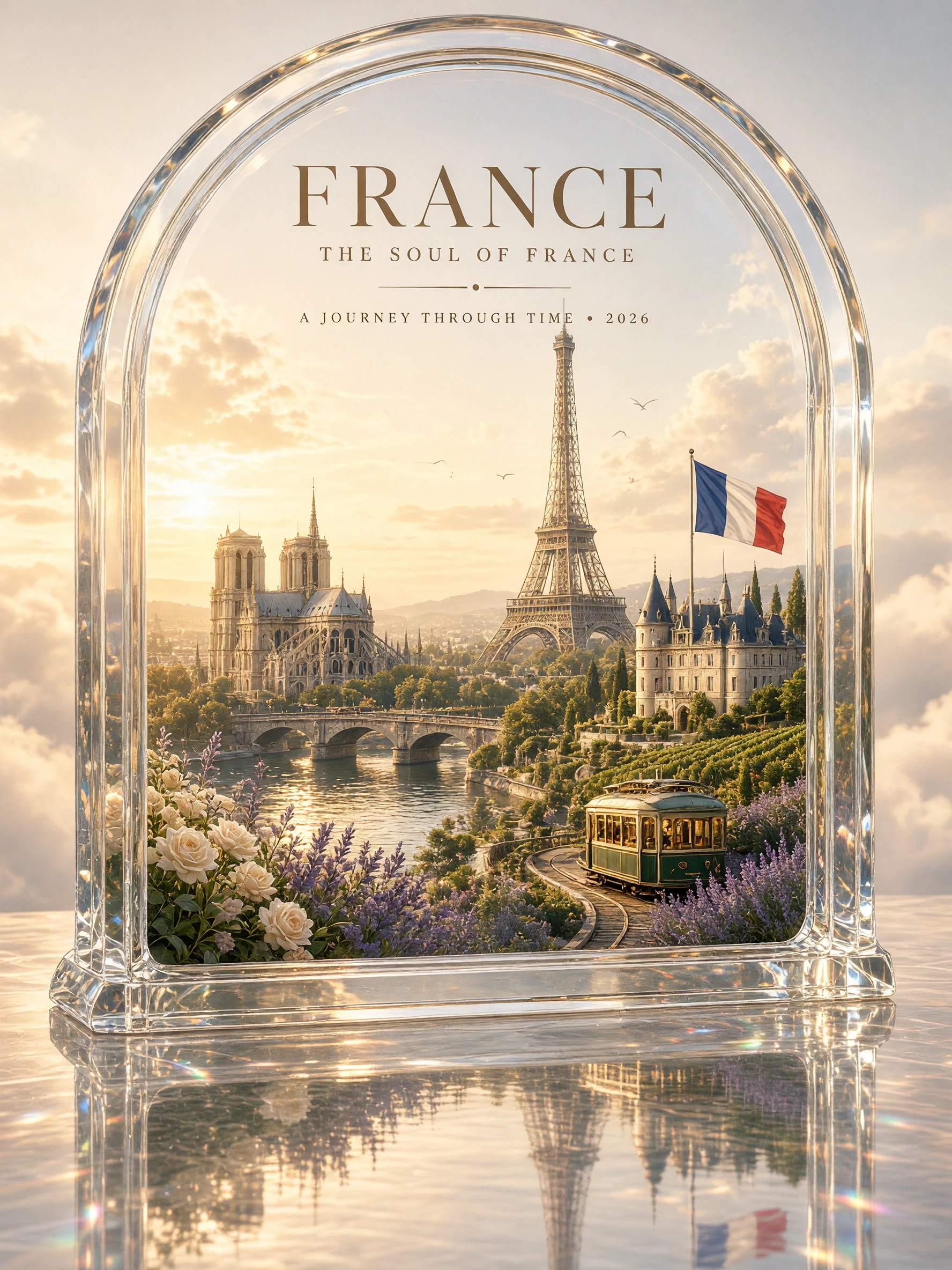
 France travel posterExample 01
grok-image
Grok Image API by xAI on TTAPI supports image generation. Submit a prompt with flexible aspect ratios, then generate, edit, or fetch the async result.
InputPrompttext
Models1available
FlowAsyncresult URL
Price2 quota/ image
France travel posterExample 01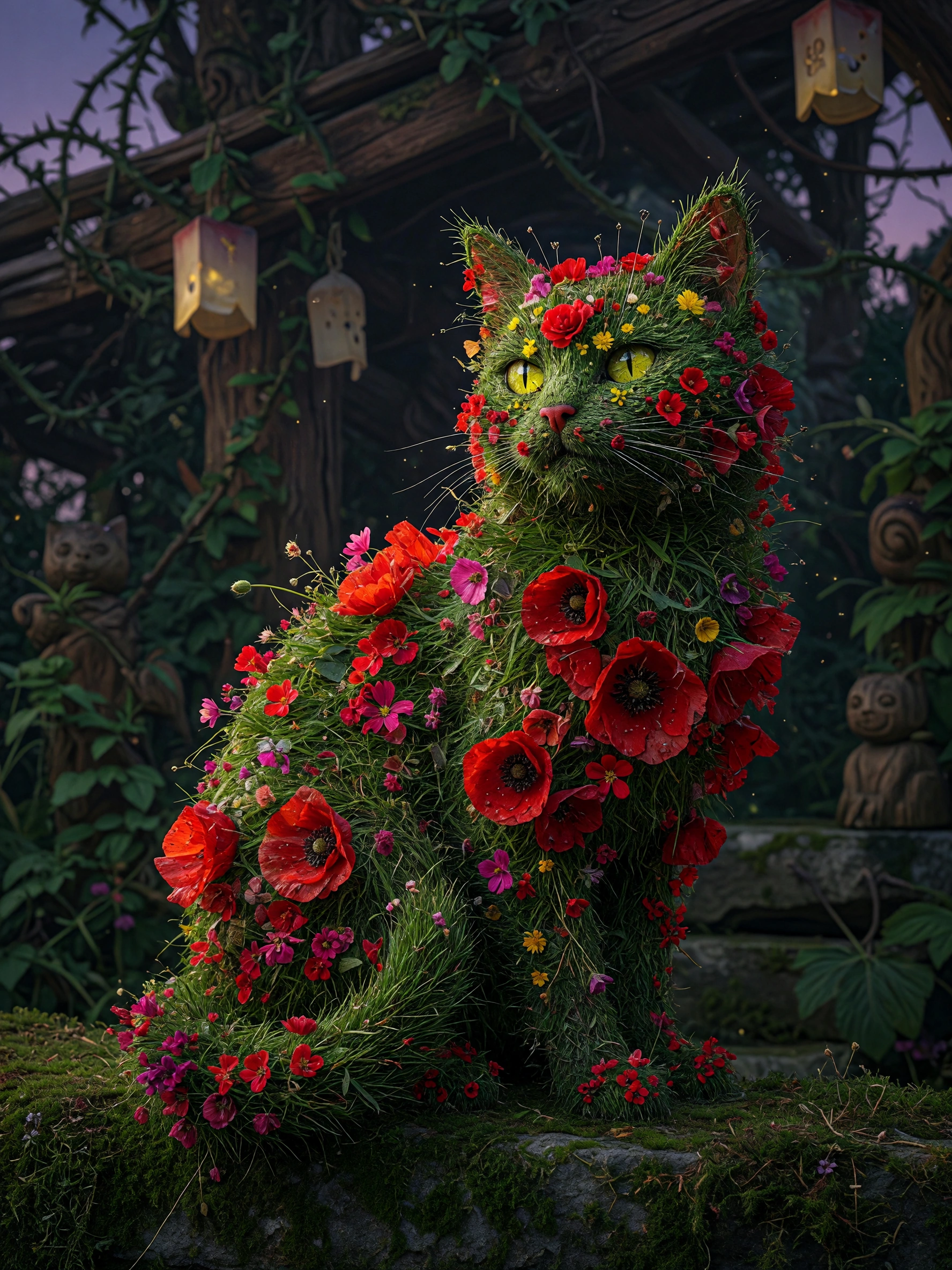 Floral grass catExample 02
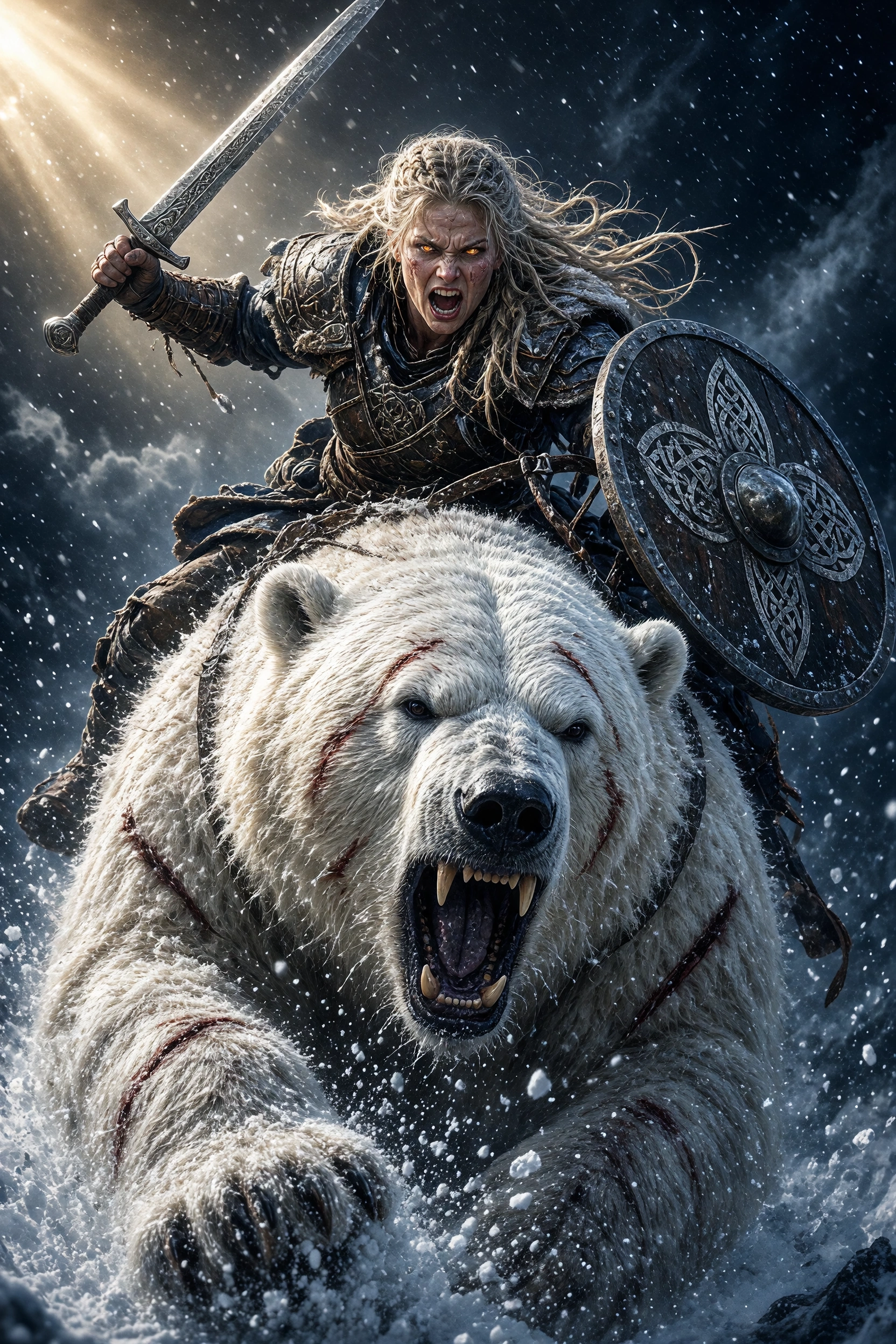 Viking polar bear chargeExample 03
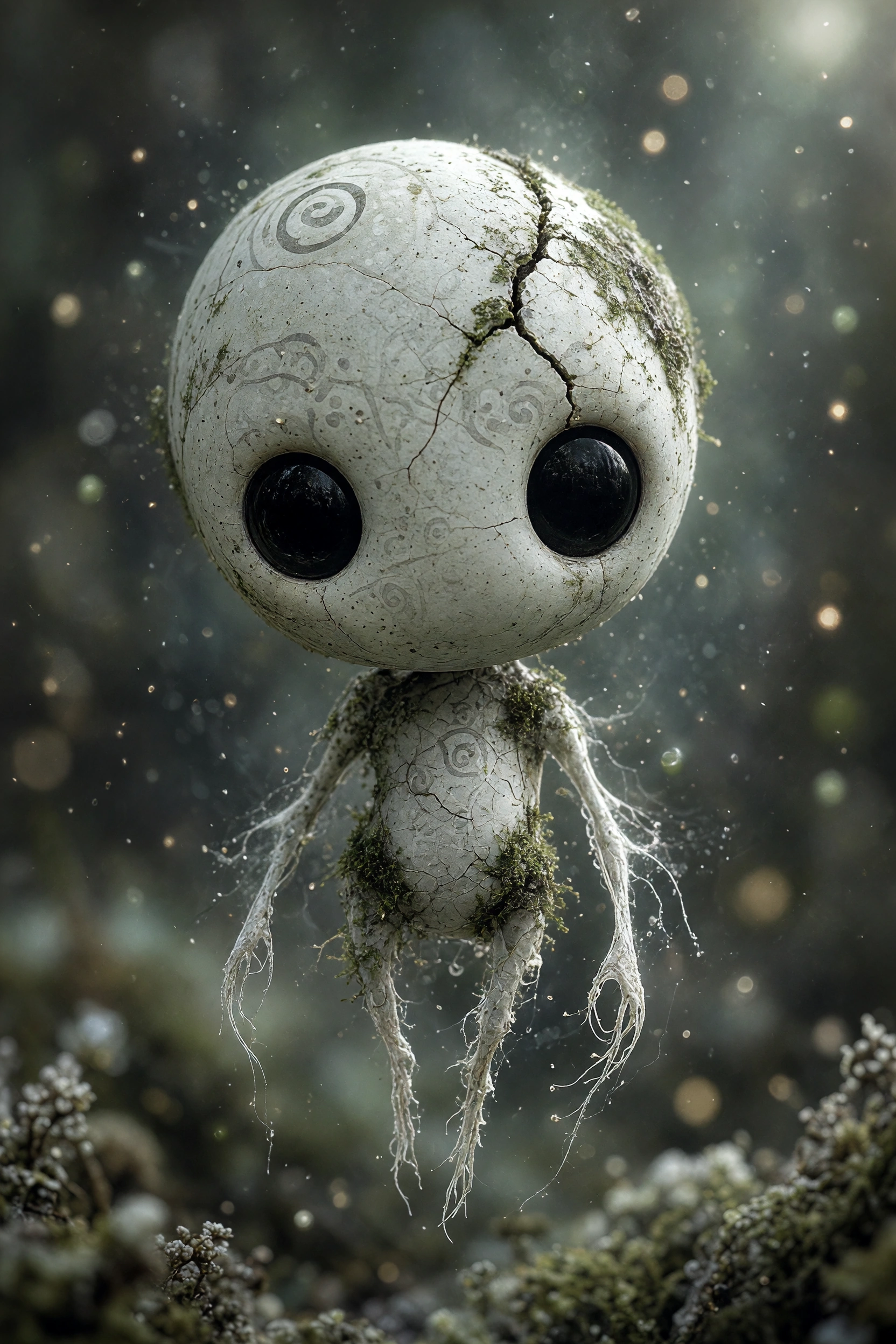 Kodama forest spiritExample 04
Examples
Prompt to image, in context
Vintage melancholic vibe, phone camera style, super low resolution, close-up face shot, warm Japanese-style filter. The pic shows a super fair, slim, gorgeous cool-toned, girl with messy bun hair, curly bangs,some strands covering her eyes, wearing a light white fitted long-sleeve top, covered with a blanket, leaning back while holding a persian cat. Only her eyes are visible, with her hair naturally falling around. The whole scene has this dreamy, hazy feel. It's like a photo taken with just a regular iPhone, with a bit of motion blur, kinda messy composition, just a quick snap, like a candid shot you'd take without thinking.
A close-up of a face adorned with intricate black and blue patterns. The left side of the face is predominantly yellow, with symbols and doodles, while the right side is dark, featuring mechanical elements. The eye on the left is a striking shade of yellow, contrasting sharply with the surrounding patterns. The face is partially covered by a hooded garment, cinematic_1940s cinematic_octane
An old ninja turtle is playing poker with some old decrepit humanoid rats. The ninja turtle is smoking a cigar. The room is dark and the air is cloudy with cigar smoke. The ninja turtle is running dangerously low on chips. (cinematic) Negative prompt: bad ugly jpeg artifacts
sinozick style, fiery aura, 1girl, cyberpunk, dark theme, metal mask, metal three quarters face mask, solo, cyborg, skull, looking at viewer, multi-colored hair, white eyes, bloody, large breasts, claws, "sinozick style", "g4n1m3" Negative prompt: score_5, score_4, watermark, signature, artist name, 3d, easynegative, neutral, angry, mean, intense, ugly, old, , striped face, black stripes,
A solitary astronaut standing at the edge of an enormous extraterrestrial valley, facing a colossal ancient artificial structure partially buried beneath alien terrain. The structure extends several kilometers into the distance, its scale almost incomprehensible, constructed from unknown dark metallic material covered with subtle geometric erosion patterns. A gigantic ring-shaped planet dominates the upper atmosphere while distant moons remain barely visible through atmospheric haze. The astronaut occupies less than three percent of the frame, deliberately emphasizing overwhelming scale. Camera positioned behind and slightly below the astronaut, 21mm large-format cinema lens, monumental vertical composition. Cold distant sunlight passes through suspended extraterrestrial dust, producing enormous volumetric shadows from the alien structure. Realistic spacesuit materials, fine dust accumulation around boots, physically plausible terrain, accurate atmospheric perspective. Hard science-fiction production design, restrained technology, no random glowing panels, no fantasy magic, no excessive visual clutter. IMAX science-fiction cinematography, monumental scale, photorealistic environmental concept art, sophisticated cinematic color science. No text, no extra astronauts, no distorted anatomy, no cartoon appearance, no generic sci-fi city.
Top-down ultra-wide hyper-realistic shot of 4 real people seated at a square dining table. Pull the camera way back so a wide ring of empty floor surrounds the whole scene, giving a clean minimal composition. Scene [ATMOSPHERE + WARDROBE]: the four are styled in [OUTFIT STYLE]. Each one is doing something specific: [DESCRIBE EACH PERSON'S ACTION]. The table itself is a physical prop built to look like an Instagram post viewed from above: - A solid white band runs along the TOP and BOTTOM edges only, with no white on the left or right sides. - Top band: a small drawn profile avatar with [LOGO DESCRIPTION], the handle "[USERNAME]", a tiny blue verified check next to it, and a "..." on the far right. - Bottom band: red heart, comment bubble, and share icons painted on the left, bookmark icon on the right. The center of the table is one flat color: [EXACT COLOR + HEX CODE]. All food, drinks, props, and any hand interacting with them must stay strictly inside that central colored zone, nothing crosses the white bands or the table edge. The floor around the table is [FLOOR COLOR] to create clear visual separation. Professional studio lighting with crisp shadows, 8k, tack-sharp focus.
A playful, high-key studio portrait of [subject] running joyfully across a seamless light gray background, captured mid-stride with one leg lifted and a wide genuine smile. The subject wears a casual oversized outfit with soft neutral tones (or vibrant colors), creating a dynamic sense of motion. Behind them, a simple black hand-drawn cartoon stick figure grabs and stretches the back of their shirt, making the fabric appear elastically pulled as if trying to stop them. The doodle character is integrated naturally into the scene with expressive motion lines and a humorous facial expression. The subject holds a fun prop (such as a dinosaur toy, oversized lollipop, teddy bear, or balloon), enhancing the playful storytelling. Minimalist composition, clean studio lighting, soft shadows, ultra-sharp focus, realistic skin texture, vibrant yet natural colors, whimsical editorial photography, premium children’s fashion campaign aesthetic, highly detailed, photorealistic, 8K.
Rough, gritty anime style with jittery, trembling ink lines and messy, hand-drawn aesthetics. Foreground right third: the weathered, rust-eaten edge of an old fishing vessel deck, with a lone sailor leaning over the railing, hunched and small, staring in awe and terror. Left two-thirds: a colossal cosmic entity rising from the ocean — a massive cephalopod horror in the style of Cthulhu, with enormous writhing tentacles erupting from churning black water, a bulbous alien head with countless eyes, and a body so vast it dwarfs the boat entirely, rendered as a looming blurred silhouette with only glimpses of slimy textured flesh visible through the sea spray. The scale must be overwhelming — the creature's base tentacles alone are wider than the entire ship. The ocean is chaos: violent waves rendered in frantic, sketchy ink strokes. Color palette: deep prussian blue, sickly green-black, and pale moonlight whites, high contrast, no clean gradients, raw and expressive energy.
Turn this photo into a chaotic funny doodle illustration, intentionally messy and low-skill, as if drawn quickly with a cheap marker, crayon, or worn-out felt pen on paper. Create exaggerated facial features with awkward proportions, uneven eyes, oversized head, tiny body, crooked smile, and clumsy anatomy while still keeping the person recognizable. Use rough childish sketch lines, shaky hand-drawn strokes, visible scribbles, overlapping outlines, accidental marks, and random doodles around the scene. Add a simple cartoon-style background with badly drawn buildings, trees, clouds, street elements, and uneven perspective. Coloring should look careless and imperfect, with visible stroke texture, inconsistent fill areas, wax crayon texture, marker bleed, and irregular shading. Include playful imperfections like crossed-out lines, unfinished details, random arrows, tiny notes, stars, swirls, and abstract scribbles. Overall aesthetic should feel humorous, spontaneous, handmade, energetic, goofy, and intentionally unpolished, resembling a child's sketchbook mixed with absurd internet meme art. High texture detail, paper grain visible, asymmetrical composition, awkward framing, expressive doodle chaos, raw sketch energy.
Capabilities
What you can build with grok-image
Prompt driven generation
Submit a concise prompt and get production-ready image output through one TTAPI job.
Core controls only
Keep integration simple with prompt, model, output settings, and callback handling.
Async result flow
Use polling or webhook callbacks so long-running generations do not block your UI.
Ready for product UI
Return Grok Image results that can be displayed, stored, or passed into downstream workflows.
Pricing
Per-action, in quota
Usage is metered in quota by model, action, and output settings.
OperationPriceUnit
Generate image2 quota/ image
Fetch resultFree/ request
API request
Headers and submit parameters
Use the endpoint below with your TTAPI key and the request fields shown.
/grok/imageSubmit a Grok text-to-image task.
Official reference/grok/image/editsEdit an existing image with Grok.
Official reference/grok/image/fetchRetrieve the generated Grok image result.
Official referenceHeaders
TT-API-KEYstringrequiredYour TTAPI API key.
Content-TypestringrequiredUse application/json.
Body
promptstringrequiredImage generation prompt.
modelenumoptionalDefaults to grok-imagine-1.0. Supported values: grok-imagine-1.0, grok-imagine-2.0, grok-imagine-image, and grok-imagine-image-quality.
enable_probooleanoptionalDefaults to true. Supported only by grok-imagine-1.0 and grok-imagine-2.0; grok-imagine-2.0 requires true.
aspect_ratioenumoptionalDefaults to 1:1. 1.0 supports 1:1, 16:9, 9:16, 3:2, and 2:3; the Image models add 4:3, 3:4, 2:1, 1:2, 19.5:9, 9:19.5, 20:9, 9:20, and auto.
resolutionenumoptionalDefaults to 1k. All listed models support 1k; 2k is available for grok-imagine-image and grok-imagine-image-quality.
nintegeroptionalNumber of images to generate, from 1 to 4.
hook_urlstringoptionalCallback URL for job completion.
Integrate
From key to first result
Copy the resolved endpoint, authentication headers, and request body for this model.
curl --request POST \
  --url https://api.ttapi.io/grok/image \
  --header 'TT-API-KEY: $TTAPI_KEY' \
  --header 'Content-Type: application/json' \
  --data '{"prompt":"A surrealist, dreamlike masterpiece of a lush, misty green hillside enveloped in thick, ethereal fog.","model":"grok-image","enable_pro":true,"aspect_ratio":"16:9","resolution":"1k","n":1,"hook_url":"https://example.com/callback"}'