Both Flux 3 image APIs on TTAPI support text-to-image, editing, and composition with up to 10 references and output tiers through 4K. Standard Image exposes grounding; Klein adds exact dimensions, seed, output format, and sampling steps. Both are billed at 40% off official pricing.
Two models in the Flux 3 image family
TTAPI now offers Flux 3 Image and Flux 3 Image Klein through separate asynchronous image endpoints. Black Forest Labs presents the family as a way to generate images, edit existing pictures, and combine visual references. This article compares the two image routes; Flux 3 Video has its own endpoint and billing schedule.
BFL's Klein announcement describes a 5.6-billion-parameter open-weights model, with base and distilled releases. Its API positioning emphasizes faster iteration in a smaller model. Those are vendor descriptions, rather than measured TTAPI latency or a guarantee that Klein will suit every visual brief. The practical choice also depends on which controls your workflow needs.
Compare the controls before choosing a model
Both TTAPI routes accept prompt and optional images. Omit images for text-to-image; supply between one and ten image URLs or base64 inputs for an edit or composition. The resolution tiers are 768sq, 1k, 1.5k, 2k, and 4k. A tier describes approximate pixel area, so its exact dimensions change with the aspect ratio.
The request schemas are different. Standard Image exposes grounding, which defaults to true and permits web and image search; false disables both searches. Its route rejects unknown fields, including width, height, seed, and input_image. Klein exposes paired dimensions, seed, output_format, and steps instead. Send the image references through images on either route.
| Control | Flux 3 Image | Image Klein |
|---|---|---|
| Text generation and reference editing | Supported | Supported |
| Reference images | 1–10 via images | 1–10 via images |
| Resolution tiers | 768sq through 4k | 768sq through 4k |
| Search grounding | grounding; default true | Not listed in this route |
| Exact pixel dimensions | Not accepted | width + height |
| Seed and sampling | Not accepted | seed and 1–16 steps |
| Selectable output format | Not listed in this route | jpeg or png |
| TTAPI billing | 40% off official | 40% off official |
Use the official examples to choose a test brief
The model pages contain 28 separate official BFL outputs: 12 for standard Image and 16 for Klein. They span editorial portraits, illustration, typography, wildlife, and localized edits. Each page keeps examples attached to its own model, and six Klein edits include the original input so you can inspect what changed.
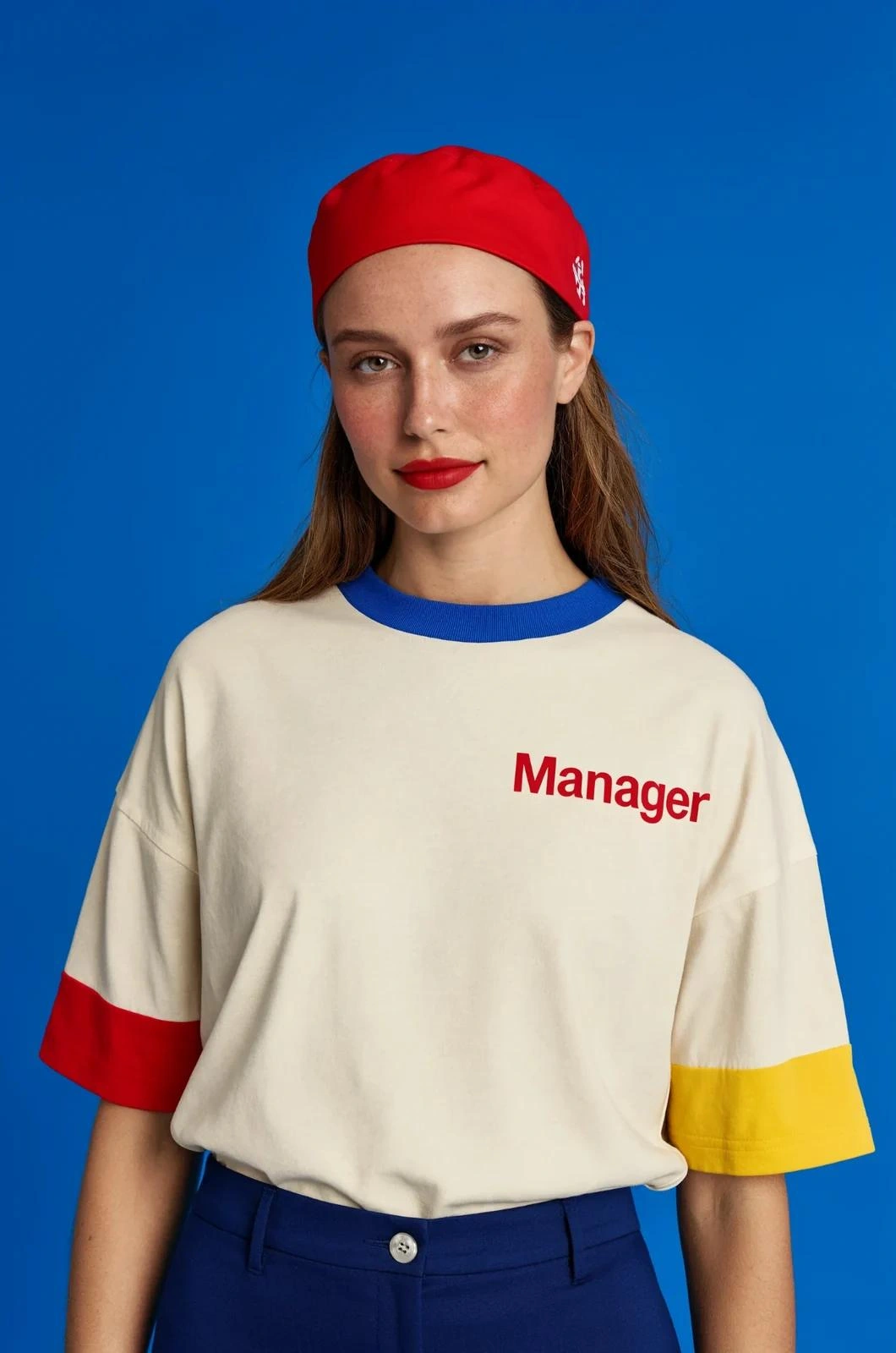
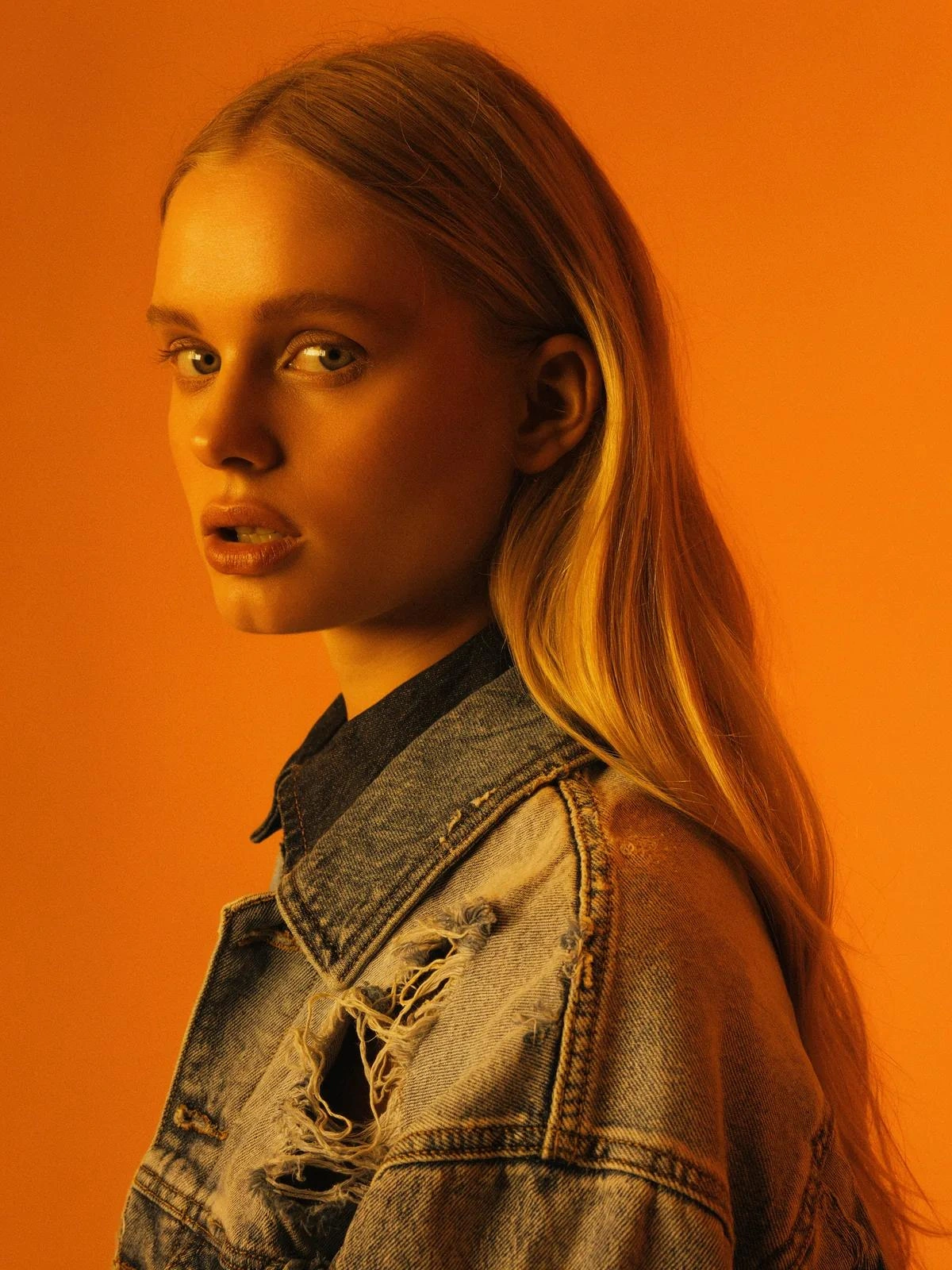
The two portraits below are different vendor showcase briefs, so they demonstrate visual range rather than a winner. For your own comparison, use the same prompt, references, target framing, and acceptance criteria. Check small lettering, object relationships, retained background detail, and the parts of an edit that should remain unchanged. Count rejected outputs and retries when comparing practical cost.
Official vendor showcases with different prompts. Inspect the model galleries for the full images and available input references.
Start a standard Image request
Submit JSON to POST /bfl/v1/flux-3-image with TT-API-KEY. The model is selected by the endpoint path, so this request does not send a model field. The example uses an explicit ratio and resolution and disables grounding for a prompt-only brief. Add images only when your task needs an existing picture or references.
For layout control, BFL documents boxes inside the prompt on a normalized 0–1000 grid in top, left, bottom, right order. These instructions can describe element placement or edit regions. Evaluate the resulting composition with your own images before building a workflow around a particular box layout.
curl --request POST \
  --url 'https://api.ttapi.io/bfl/v1/flux-3-image' \
  --header "TT-API-KEY: $TTAPI_KEY" \
  --header 'Content-Type: application/json' \
  --data '{
  "prompt": "Editorial photograph of a ceramic tea set on a linen table, soft daylight and realistic textures.",
  "aspect_ratio": "3:4",
  "resolution": "1k",
  "grounding": false
}'Use Klein for explicit size and sampling controls
Klein accepts width and height together, with each dimension between 64 and 6256 pixels and a maximum area of 16,822,272 pixels. Supplying both dimensions overrides aspect_ratio and resolution. The request below therefore uses only the explicit size controls. Its seed is a reproducibility input, not a promise that different models or services will produce identical images.
The documented step range is 1–16, with 16 as the default; output_format supports jpeg and png. Without exact dimensions, Klein can use a resolution tier. When editing and resolution is omitted, it follows the first image's size, or the nearest tier if an aspect ratio is also supplied. This differs from standard Image's default behavior, so set these fields deliberately when comparing outputs.
curl --request POST \
  --url 'https://api.ttapi.io/bfl/v1/flux-3-image-klein' \
  --header "TT-API-KEY: $TTAPI_KEY" \
  --header 'Content-Type: application/json' \
  --data '{
  "prompt": "A detailed ceramic tea set on a linen table, soft window light, realistic material texture.",
  "width": 1200,
  "height": 1600,
  "seed": 42,
  "steps": 16,
  "output_format": "jpeg"
}'Pricing and asynchronous results
TTAPI lists both generation and editing for the two new models at 40% off official pricing, meaning 60% of the applicable official charge. It does not list a single flat quota amount for every Flux 3 image request. Check the selected model and resolution against current billing before estimating a batch; BFL's direct API prices and its past launch offers are not TTAPI fixed-price promises.
Both TTAPI submit routes return a jobId. Persist it and retrieve status and the completed image through GET /flux/fetch, or supply webhook_url for a completion callback. Keep the API key on the server, connect polling and callbacks to the same job record, and handle failures before presenting a download. These request snippets are integration templates; the published gallery images are BFL examples rather than outputs of these snippets.
| Model | Generate | Edit |
|---|---|---|
| flux-3-image | 40% off official | 40% off official |
| flux-3-image-klein | 40% off official | 40% off official |
Open the model that matches the job.
Compare the model pages, then follow the current image API documentation.