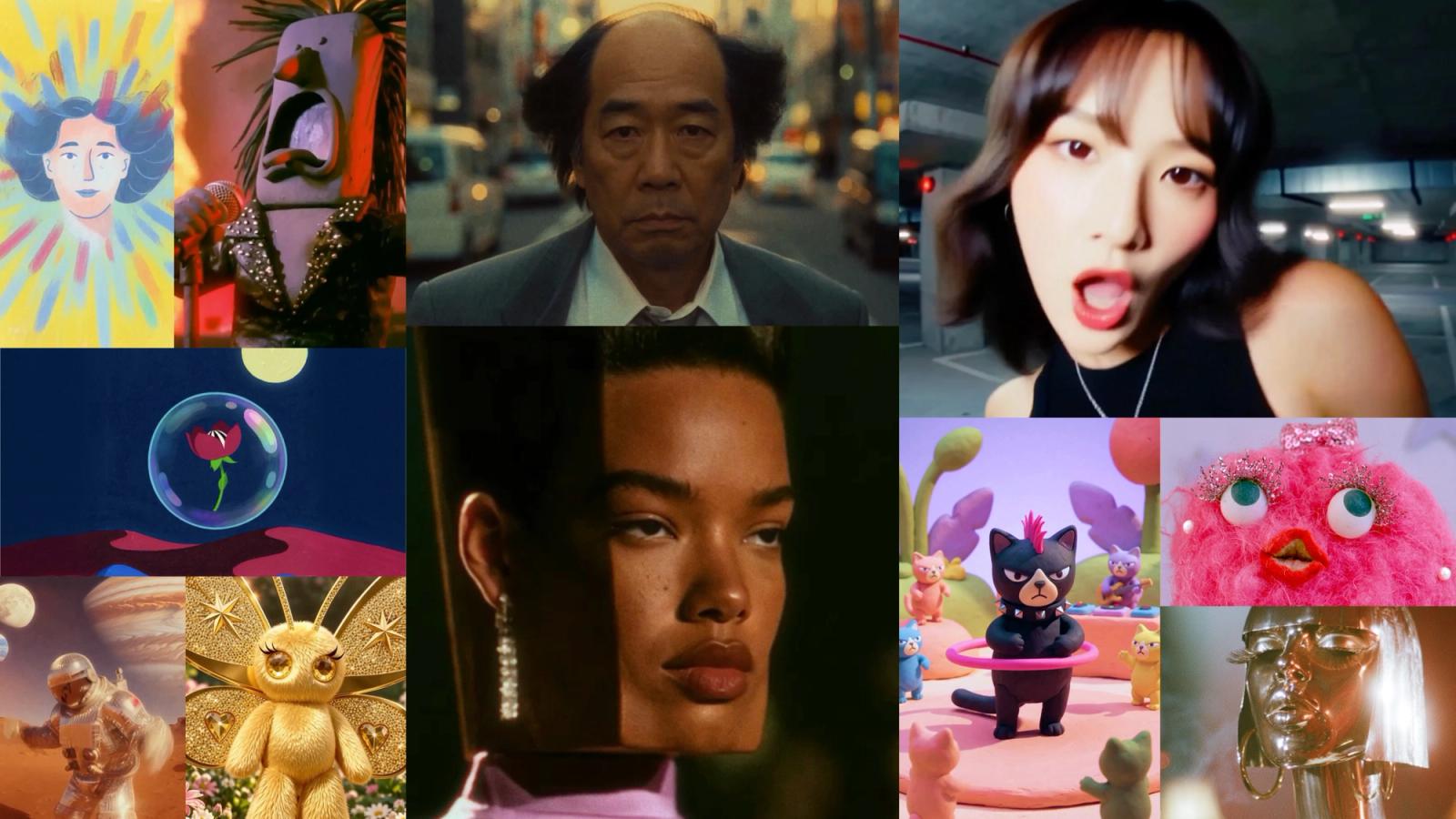
Suno Video on TTAPI creates 5–15 second clips with optional song reference audio and lip sync. Budget by requested seconds: one request price includes two outputs. Use first/last frames or references to guide the scene, then inspect each video returned by Fetch V2.
Suno Video arrives on TTAPI
TTAPI added Suno Video on November 20, 2026, with the video-1 model. The generation endpoint accepts text, first-frame images, first-and-last-frame images, and reference images. Each request asks for a clip between 5 and 15 seconds, with 480p or 720p output.
For music-led work, add an existing Suno song as reference audio and optionally enable lip sync. This makes the endpoint a candidate for song teasers, character performance clips, and short visual experiments. Review the output against your own creative brief before choosing a production workflow.
Suno Video API pricing: count seconds, not outputs
TTAPI bills the requested duration in seconds. The published rate covers both videos returned by one generation request. Do not multiply the job estimate by two again just because the response contains two video entries.
The table uses the model page rates and 1 quota ≈ $0.01. For example, a five-second request costs 60 quota at 480p or 120 quota at 720p. These are submission estimates; inspect the quota returned for the job and the dashboard for actual billing. Suno app subscriptions and Visual credits are a separate product from TTAPI quota. The audio pricing table also lists the existing /suno/v1/generateVideo action, which accepts music_id, as free. The rates here apply to /suno/v1/video/generate.
| Resolution | Per second | 5-second request | 10-second request | 15-second request |
|---|---|---|---|---|
| 480p | 12 quota · $0.12 / second | 60 quota · $0.60 | 120 quota · $1.20 | 180 quota · $1.80 |
| 720p | 24 quota · $0.24 / second | 120 quota · $1.20 | 240 quota · $2.40 | 360 quota · $3.60 |
Each cell covers both outputs from one request. USD amounts are approximate.
Choose text, frames, or reference images
Start with a prompt describing the subject, action, camera, and style. Add first_frame_url when the opening composition matters. Supply last_frame_url with a first frame to guide the ending; the first-and-last-frame combination cannot also include reference_image_urls.
For visual guidance, reference_image_urls accepts up to nine images and can be combined with a first frame. Image inputs must be publicly accessible HTTP(S) URLs in JPEG or PNG format, no larger than 10 MiB each. The supported aspect ratios are 1:1, 9:16, 16:9, 4:3, and 3:4; the default is 9:16.
Submit your first Suno Video request
Send a backend POST request to /suno/v1/video/generate with TT-API-KEY and a JSON body. The current endpoint schema requires prompt and duration. Resolution defaults to 480p; 720p selects standard output. The minimal example below follows the model detail page request.
The release notes identify the model as video-1. The generation reference mentions a model option in prose, while its OpenAPI request schema and examples omit it. The requests below follow the schema.
A successful submission returns data.jobId for result retrieval. Both generation and result queries require a key with Suno Video permission.
curl --request POST \
  --url https://api.ttapi.io/suno/v1/video/generate \
  --header "TT-API-KEY: $TTAPI_KEY" \
  --header 'Content-Type: application/json' \
--data '{"prompt":"A paper lantern rises into a starry sky as the camera follows it upward.","duration":5,"resolution":"480p","aspect_ratio":"9:16"}'Add Suno song audio and lip sync
Use song_id to reference an existing Suno song. The optional song_window uses nonnegative seconds and supports fractional values. start_s defaults to 0, and end_s defaults to start_s + duration. When you specify end_s, it must be exactly duration seconds after start_s.
Set lip_sync to true when the character should follow the song audio. This option requires song_id. In the example, a five-second video uses the song segment from second 2 to second 7. Replace YOUR_SUNO_SONG_ID with your own usable song ID; this is a request template, not a recorded generation result.
curl --request POST \
  --url https://api.ttapi.io/suno/v1/video/generate \
  --header "TT-API-KEY: $TTAPI_KEY" \
  --header 'Content-Type: application/json' \
--data '{"prompt":"A puppet sings on a softly lit stage, facing the camera.","duration":5,"resolution":"720p","aspect_ratio":"9:16","song_id":"YOUR_SUNO_SONG_ID","song_window":{"start_s":2,"end_s":7},"lip_sync":true}'Fetch the job and handle both video results
Call GET /suno/v2/fetch with the submitted data.jobId as the jobId query parameter. ON_QUEUE means the job is waiting or processing, and data.videos may be empty. On SUCCESS, inspect each entry in data.videos for status, video_url, and available asset metadata. The array contains at most two entries.
On FAILED, inspect message and each video's error and error_code. The video_url and asset fields can be null. If you set hookUrl on submission, TTAPI sends an HTTP POST on completion with the same payload as Fetch V2. Save result URLs and deduplicate repeated notifications.
curl --get \
  --url https://api.ttapi.io/suno/v2/fetch \
  --header "TT-API-KEY: $TTAPI_KEY" \
--data-urlencode "jobId=$JOB_ID"Plan a short music-video workflow
For an initial trial, choose one clear scene and a short song segment. Compare the two returned candidates for framing, motion, and the intended performance. Move to 720p when you need its output resolution and have budgeted for its higher per-second rate.
The embedded video is an official Suno Visuals promotional showcase. It runs longer than one 5–15 second API clip, and Suno has not published its original prompts or settings. Use it for visual inspiration; use the TTAPI model page to determine request limits and integration behavior.
- Keep the requested duration between 5 and 15 seconds.
- Match the song window length to duration before enabling lip sync.
- Check both returned videos and the job quota.
Open the Suno Video API.
Continue from the model page to review the model ID, request example, and current pricing.