Pick the NovelAI API from the still: Curated for a cleaner general-purpose anime character, Full when the subject or style needs the broader coverage NovelAI describes.
Start from the still you need
This comparison covers the NovelAI V5 Full and V5 Curated image APIs on TTAPI. A focused anime character and a broader or unusual subject are not the same request.
NovelAI says V5 Full uses a more comprehensive, less curated dataset, while V5 Curated uses a smaller set of cleaner, more focused images. Its documentation recommends Curated for general use and Full when Curated cannot produce a specific concept. The catalog stills below illustrate those jobs. They use different prompts on purpose, so they are a shortlist, not a ranked bake-off.
Use V5 Curated for a focused anime character
V5 Curated is the first candidate when the still is a typical character illustration. The published example asks for a pink-haired cat girl writing on a classroom chalkboard. It combines familiar anime tags with an explicit English text instruction.
Review pose, character details, background, and any required text against the brief. Stay here while those requirements hold.
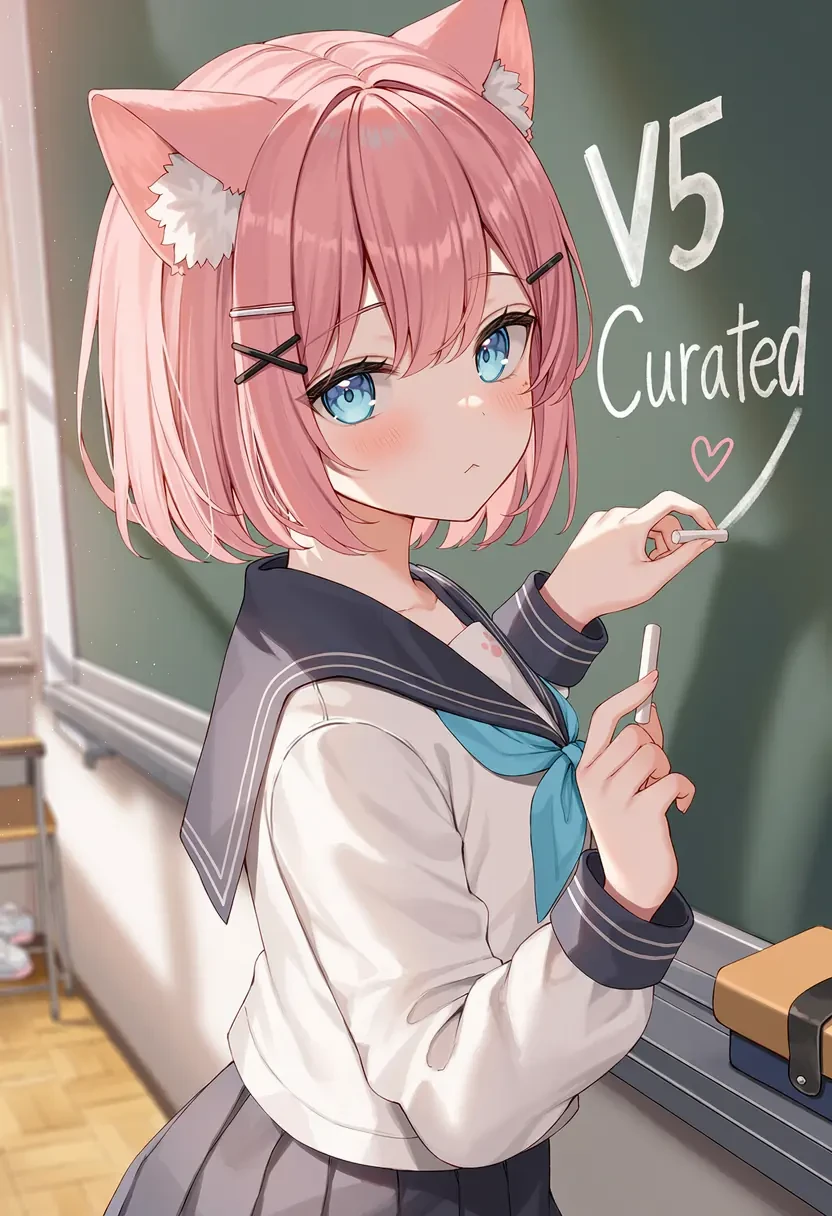
1girl, cat girl, cat ears, pink hair, short hair, blue eyes, school uniform, holding chalk, chalk, writing, classroom, chalkboard, text, english text. Writing on chalkboard can be seen saying "V5 Curated" along with a heart, right next to the girl's head., location, very aesthetic, masterpiece, no text, teXt: V5 Curated
Use V5 Full when the subject is broader or unusual
Move to V5 Full when Curated misses a specific concept, or when the still needs the broader coverage NovelAI describes. The published Full example uses a Chinese ink-wash brief for a scaled dragon beneath rippling water. It is a different subject and prompt, so it demonstrates range rather than a head-to-head win.
Keep all other supported request settings stable when you move the same production brief across. The catalog dragon is that broader-subject job, not a claim that Full wins every comparison.
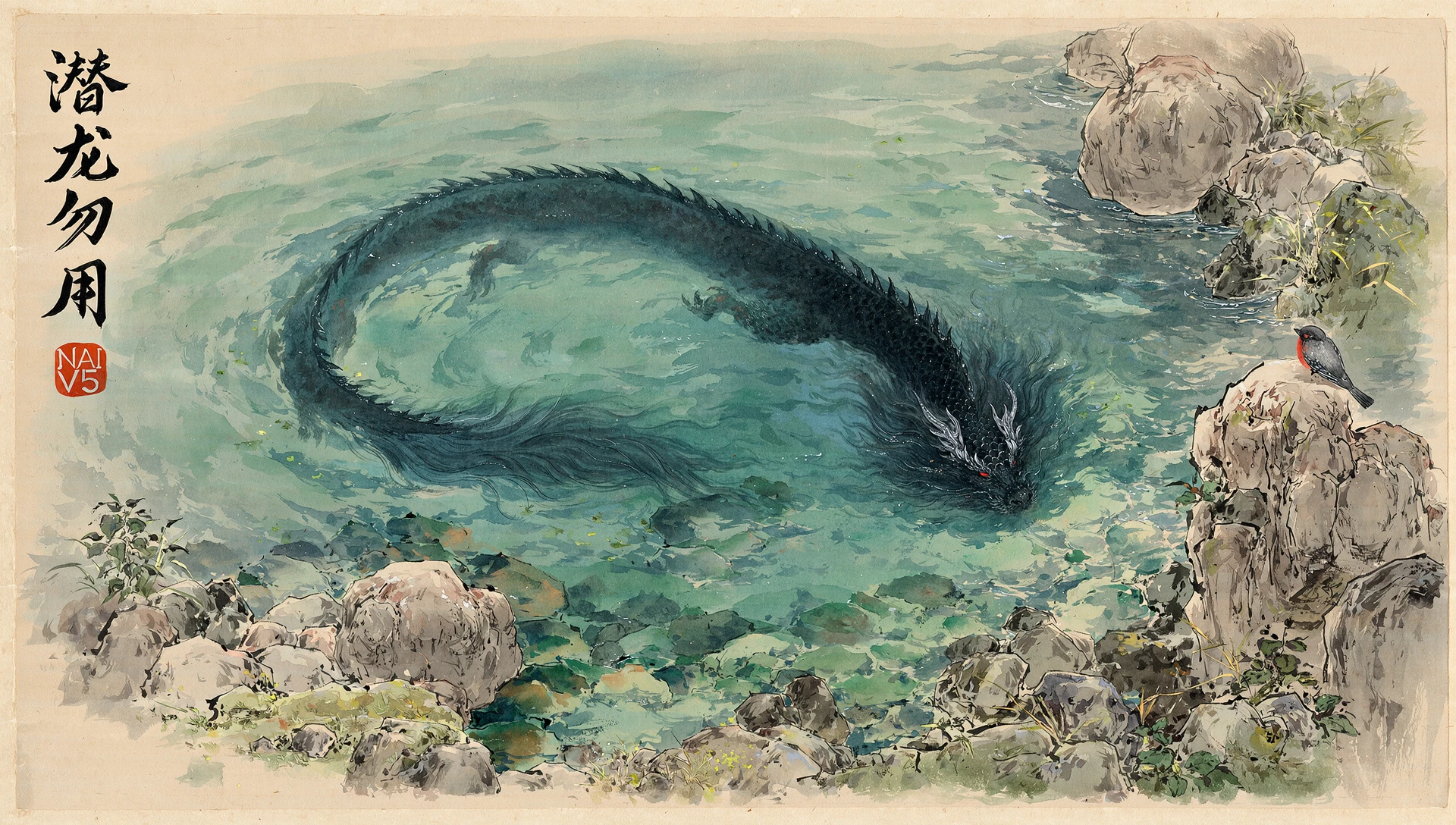
水墨风,中国画,照片背景,风景,真实的,1.2::工笔画::,1.3::厚涂::,水彩,2::晕染::,最好的质量,大师之作,巨大的水潭,水边围着一些巨石,一条黑色的有鳞片的璃龙在水底下,红色的眼睛,从上面看,水面阵阵涟漪,一只非常小的鸟停在石头上, very aesthetic, masterpiece, no text, teXt: 潜龙勿用 NAI V5
Run the same brief through both models
Choose one representative prompt from your product. Keep the subject, character count, aspect ratio, negative prompt, and reference assets consistent across both supported model requests.
Review prompt adherence, character consistency, background detail, required text, and usable-result rate. NovelAI documents separate quality-tag behavior for V5 Full and Curated, so record whether those automatic tags were enabled when you compare results.
- Use the same brief and supported settings.
- Record Full or Curated with every result.
- Keep rejected outputs and the reason for rejection.
- Verify current request fields in the TTAPI reference.
Open the model that matches the job.
Compare the model pages, then follow the current image API documentation.